Feeds:
Posts
Comments

Archive for the ‘Digital Learning’ Category

Please use this button on your site for DigiLit Sunday posts

Please use this button on your site for DigiLit Sunday posts

I hope my title was not misleading. You will only find G-rated media here. My cyber-colleague, Kim Douillard, puts out a photo challenge every week. This week her challenge was shades of grey. An appropriate color for February. I took a walk with my favorite grey pooch, Charlie.

Grey Charlie

The sky was grey with a little blue trying to peek through. The wind was blowing, but the temperature was mild.

grey clouds

The Japanese magnolia is in full bloom. The blossoms are fragrant and vibrant pink. The trunk and branches are all grey, no green leaves. The grey backdrop makes these flowers pop and please.

Japanese Magnolia 2

Grey moss hangs from the live oaks year round. Watching the moss sway in the strong wind, I came to the conclusion that grey is beautiful.

grey moss

  Join the Two Writing Teachers Slice of Life Challenge.

Join the Two Writing Teachers Slice of Life Challenge.

This format of themed images with descriptions could work well for a Slice of Life post. If you are not familiar with Slice of Life, it is a monthlong writing challenge created by Stacey Shubitz of the Two Wiring Teachers. I believe, like Stacey, that a teacher of writing must be a writer. We must practice what we preach. The SOL challenge gears up in March. Today is the day to make your commitment. Be sure to go over to the site and sign up. I testify that slicing has changed my life. The daily practice of meeting a blank page and knowing I have a kind, like-minded audience waiting has made me a better teacher and a better writer.

Along with SOL month, it’s time to make plans for Digital Learning Day on March 13, 2015. Join me in a super-duper comment challenge. My students will be in their second week of the Slice Of Life Story Challenge. (Go to Two Writing Teachers for more information.) They asked me if we would be doing a comment challenge this year. So I want to declare Digital Learning Day, March 13th as Crazy Comment Challenge Day. My students slice on Kidblogs. We can only access other Kidblog sites. So if you have your students blogging, send me the link. On March 13th, we will try to visit as many sites as possible within our class time frame. Let me know if you want to take the plunge.
Tara Smith wrote a great post about preparing your students for the Slice of Life Challenge. This is a wonderful opportunity to connect with other classrooms across the globe and to get your students writing daily in an authentic way. I am one of the classroom concierges for the challenge. Do not hesitate to contact me with questions.

Digital Learning Day 15

Add your DigiLit Sunday post to the round-up below.

Read Full Post »

Please use this button on your site for DigiLit Sunday posts

Please use this button on your site for DigiLit Sunday posts

When writing a blog post, links can be used to enrich the text.  When I taught my students some time ago about linking, I was considering how they could use links in nonfiction to show further research.  But bloggers find many ways to use links in a blog post.   Here are a few:

  1. To send a reader to a similar post: Yesterday when I was reading Julianne’s blog, I noticed that she linked three different blogs she had read and enjoyed. This made it easy for me to bounce on over to these sites, too.
  2. To connect your reader to an image or text that you do not have permission to post: For a poetry writing exercise, I led my students to write about a National Geographic image.  On Poetry Friday, I didn’t post the image with the poems.  I posted a link to it.
  3. To connect your reader to similar posts:  My student, Vannisa, has two young sisters.  She writes about her sisters often.  So on her Slice of Life post this week, she wrote this clever sentence complete with links to her other posts.  “My sister is a little monster now. She is a Youtube Genius. Obviously different from my other sisters. And her day all begins with her morning with her baby sister.”
  4. To refer your reader to another website: On Saturday, I wrote about a magician who visited my class.  I linked to his website.
  5. To direct your readers to a shopping site:  When I do book reviews, I link the thumbnail of the book to a bookseller.

On my WordPress site, I am able to create the link to open in a new window, so my reader does not lose our connection.  I am also able to easily link to my previous blog posts.

What are some ways you use links in your blog posts? Which ones are most important for student bloggers?  Don’t forget to link back to this round up.  You can use the image above as a link button.

Read Full Post »

Please use this button on your site for DigiLit Sunday posts

Please use this button on your site for DigiLit Sunday posts

Have you used Read, Write, Think Interactives with your students? ReadWriteThink.org is a division of The International Reading Association and the National Council for the Teachers of English. The site houses a wealth of ideas, lessons, and activities designed to enhance any K-!2 literacy curriculum.

This week I was teaching plot diagraming. There’s an app for that! Go to this link to find the student interactive. Once students fill in the graphic organizer, they can print it out or save it as a pdf. My students will be adding plot diagrams to their next book talk presentation.

The other interactive I used was the Word Mover. Students can create found poems from the words of famous speeches such as “I Have a Dream” and “The Gettysburg Address.”

Here is a poem from Vannisa using Martin Luther King, Jr.’s words.

One day this nation
will dream that,
all men had meaning
and are true.

The great activity
of the creative soul
must not allow violence.

We shall always pledge
peace to our world,
and justice
to our nation.

–Vannisa

Andrew Raupp contacted me about a conferring app he and his wife have developed. If you are using Evernote, you may be interested to see what Chronicle can offer you. Go to this link to see his presentation.

“Show, don’t tell.” If you teach writing, you’ve probably used this phrase before. But so often we as teachers don’t take our own advice when it comes to our conferring notes.

What if a teacher-centric app existed, which allowed multiple photos, audio recordings, and video recordings to be associated with each conferring note, be it with individuals or small groups? Good news – there is!

Chronicle, developed by husband and wife teachers, is a cutting-edge iPad app harnessing the multimedia technology of the iPad, raising conferring notes to a whole new level. Think of the possibilities: capture audio recordings of a student’s fluency and reading rate, use video recordings of book discussions to provide rich feedback, snap pictures of student “before and after” writing samples.

Please add your Digital Literacy links below:

Read Full Post »

Please use this button on your site for DigiLit Sunday posts

Please use this button on your site for DigiLit Sunday posts

Don’t miss the Google Doodle today for Langston Hughes.

I am a believer in blogging for kids. My students have been blogging all year. I require three posts a week, “It’s Monday, What are you reading?”, Slice of Life, and Poetry Friday. Since Christmas break one of my 4th grade boys has been writing a story. This has been beyond the three required posts, so I was giving him bonus points. I’ve asked him about it a few times because I wasn’t understanding what was going on. He vaguely answered my questions. I did realize he was writing about a game, but I figured he was writing, and he was using creative language. I did not find the posts at all violent until this last one.

Another boy student was reading over the shoulder of a first grader new to my gifted group. He exclaimed, “This story is not appropriate! It is about a scary game!” So I Googled the game “Five Nights at Freddy’s.” Sure enough, the rating is over 14. My student is not yet 10. What should I do?

I talked to the student and asked him to take down the story. I told him that he was a very good writer, but I wanted to read a story that he had made up on his own. He actually started writing a fiction story in writing workshop, so I encouraged him to post it.

Here is a portion of one of the Freddy stories:

I heard the phone ring. “Hey, you’re doing great” the phone said. “Thanks! I’m working hard.” I said back. “I nearly had five heart attacks, survived one night, plus I’ve had 3 positive heart attacks and 6 seizures!” “Well, you must be having a rough time.” The phone said disappointingly. “You have 4 more nights, including this one.” “Let me work, I must finish this.” I said, angrily. The phone hung up. “Good.” I said to myself. Suddenly, I heard a laugh. It was deep, like a bullfrog’s voice. I closed all the doors. I didn’t care. I checked on the lights. A bear was there, and I think he’s called Freddy.

Looking at this piece from a teacher’s perspective, the writing is good. Dialogue is strong. Punctuation is all in the right place. But my other student had a point; It was a violent game that would end in the death of the player. And these story posts would encourage other young kids to want to play it.

What would Ralph Fletcher do? I gave my young boy writers his book Guy Write which encourages boys to write about things they are interested in. After reading Ralph’s book, I let up on the rule of no violence or no body functions (like farts.) But this one slammed me in the face. When other students feel that it shouldn’t be allowed, I had to react. And the boy writer was compliant. He did not seem at all upset, in fact. Could it be he felt he was getting away with something he shouldn’t have?

What would Ralph Fletcher do? What would you do?

Link up your DigiLit post below:

Read Full Post »

Please use this button on your site for DigiLit Sunday posts

Please use this button on your site for DigiLit Sunday posts

When my students were working on their One Little Words, I discovered how much fun thesaurus.com can be. I was curious if there was a form for thesaurus poetry. A Google search turned up a funny metaphorical poem by Billy Collins. You have to love a sarcastic poem that ends with a love story between two words.

I would rather see words out on their own, away
from their families and the warehouse of Roget,
wandering the world where they sometimes fall
in love with a completely different word.
Surely, you have seen pairs of them standing forever
next to each other on the same line inside a poem,
a small chapel where weddings like these,
between perfect strangers, can take place.
See complete poem here.

The assignment: Choose a word. Write it in capital letters. Find 4 synonyms. Write those in a second line. (Pick the easiest word to rhyme for your last word.) Then write a phrase that ends with a rhyming word. As a class, we wrote this poem.

MAGICAL
Imaginary, mythical, enchanting, spellbinding
Potions of my mind unwinding.
–Mrs. Simon’s Caneview class

I let the students go. When one or two were getting frustrated by line placement on Kidblogs, I suggested Canva. We have talked about design before. More than ever, I watched them wrestle over design. One student got frustrated that every background cost a dollar, so she said, “I just made my own background.” She used the plain color background and added free icons. She also changed the coloring on the icons. I marveled at her quick turn around.

Digital Literacy should be more about the literacy than it is about the digital. Technology enhanced my students’ poems with design and allowed them to share their work globally. However, the most value was in the play and problem-solving with words and language.

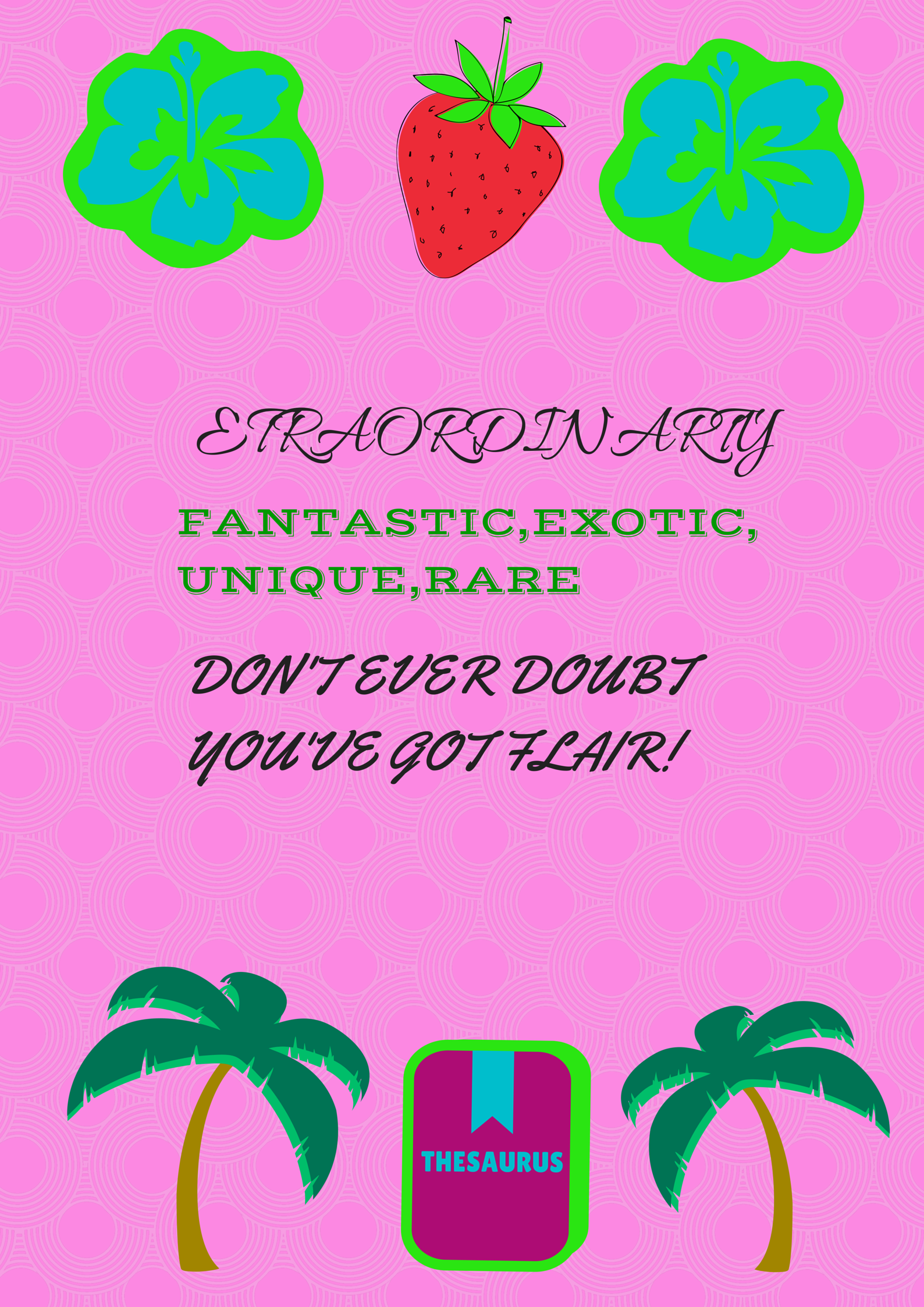
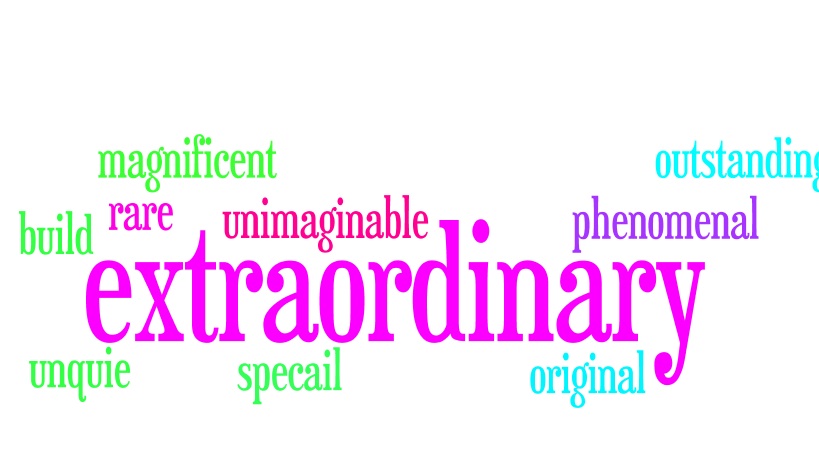
Erin created her own Extraordinary design for her OLW thesaurus poem.

Erin created her own Extraordinary design for her OLW thesaurus poem.

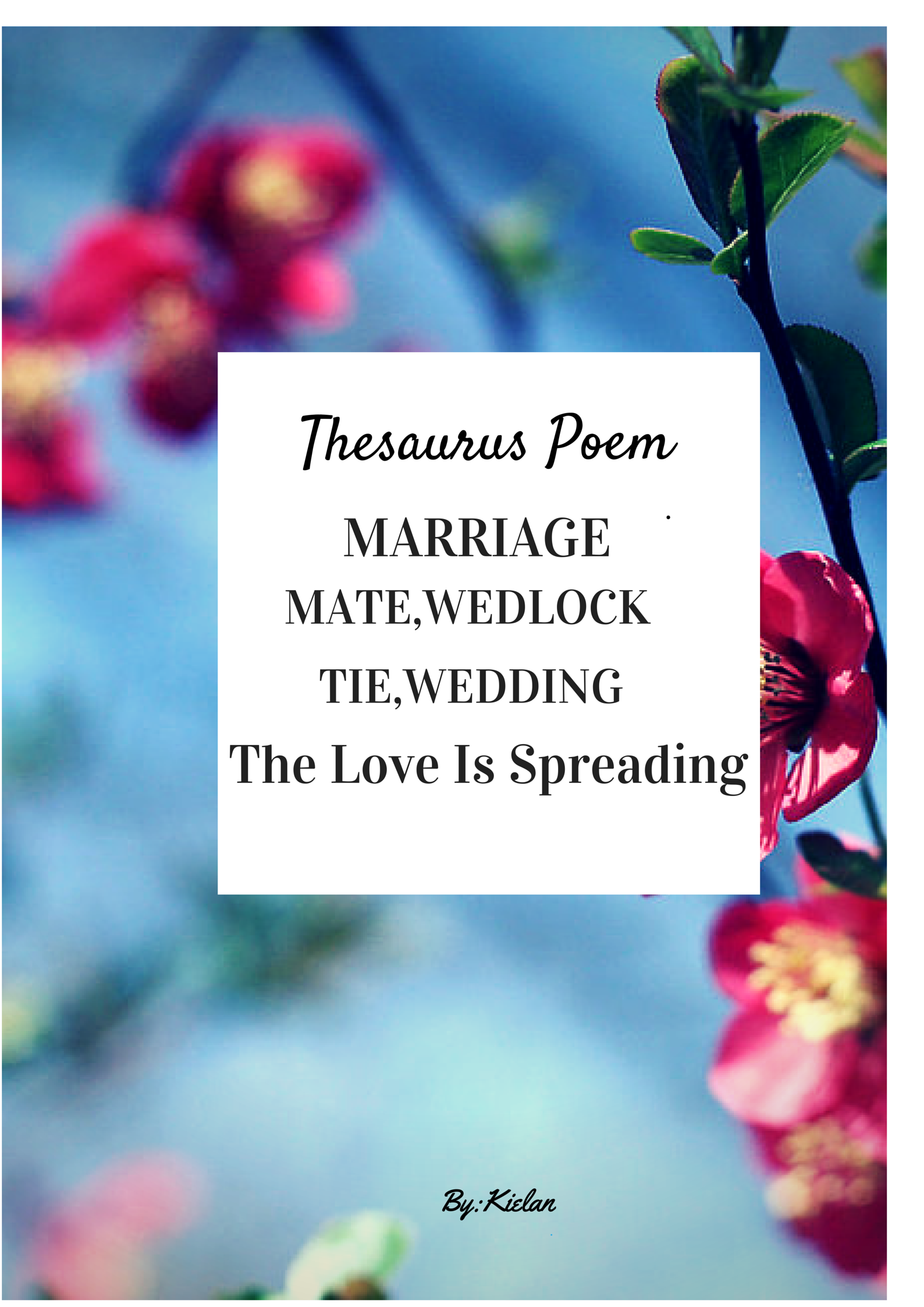
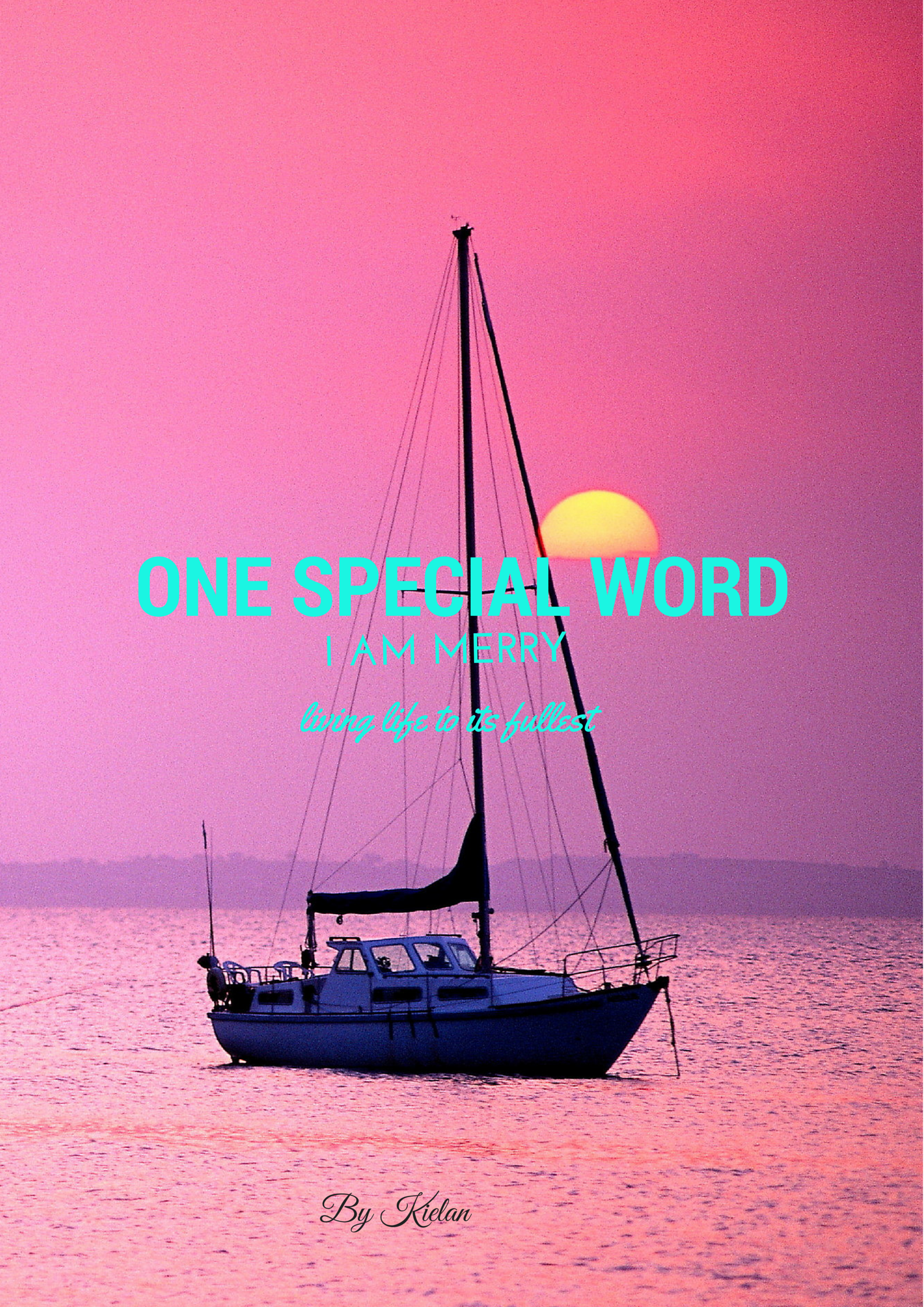
Kielan's mother is getting married in June.  What a sweet gift.

Kielan’s mother is getting married in June. What a sweet gift.

Read Full Post »

Please use this button on your site for DigiLit Sunday posts

Please use this button on your site for DigiLit Sunday posts

Boudreaux is Caroline's furry friend.

Boudreaux is Caroline’s furry friend.

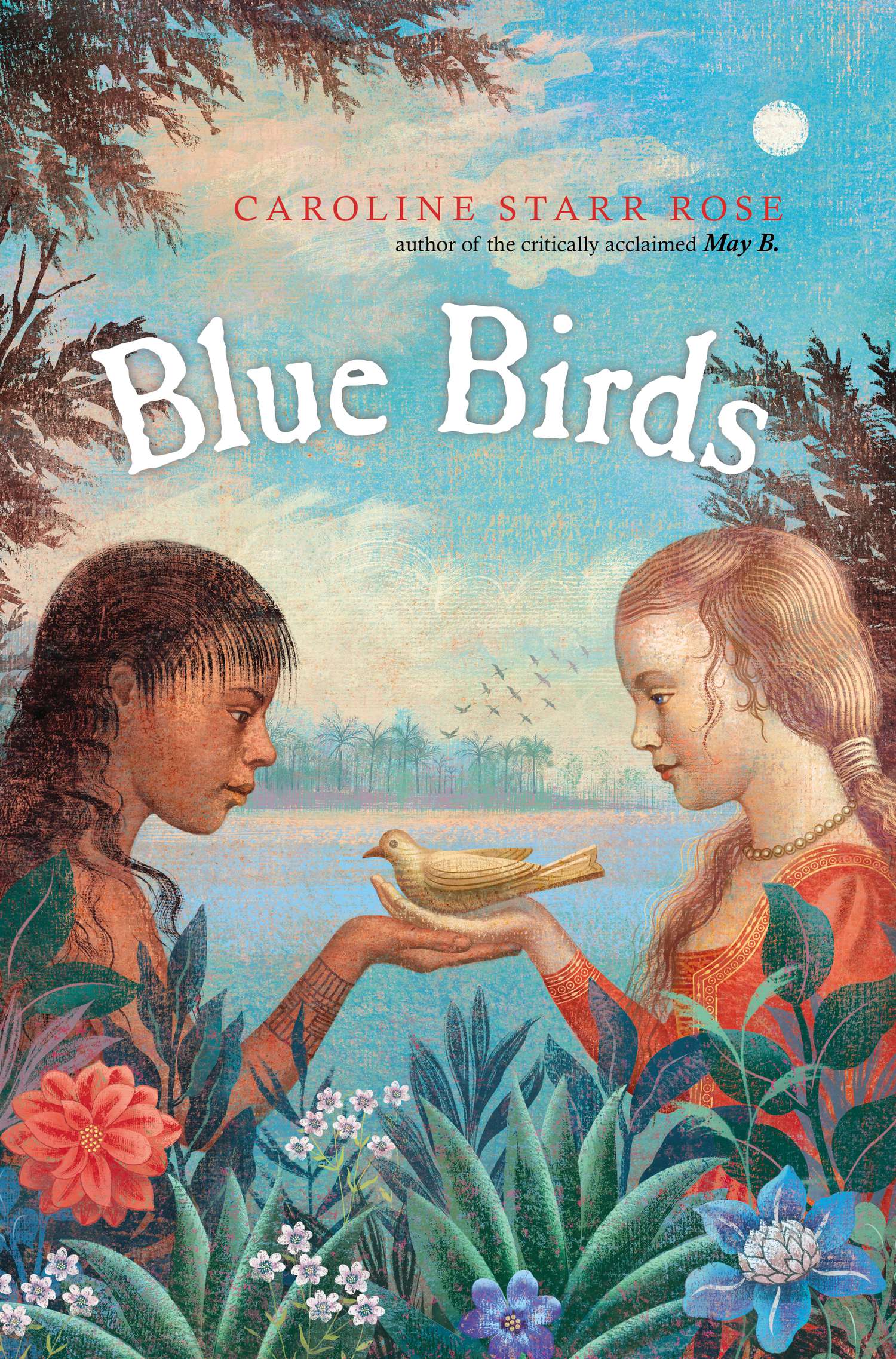
One of the greatest gifts of Social Media is the connection my students and I can make to authors. Caroline Starr Rose blogs regularly about writing. Last year, I won a 30 minute Skype interview. My students asked her for a galley proof of her next novel. We received it in August. Vannisa, already a fan having read May B, read it immediately. I read it over the holiday break. What a wonderful story! Both Vannisa and I loved the characters of Alis and Kimi. We are amazed by Caroline’s way of making history come to life in her characters. After Colby Sharp of Nerdy Book Club and SharpRead, Vannisa wrote a 5,4,3,2,1 interview.

Blue Birds cover high res

Can you tell me a little bit about the story of Blue Birds?

Alis and her family have left London to help establish a colony on the island of Roanoke. She is the only girl and lonely for a friend. Kimi watches the newcomers warily. The English killed her father and sister, but she’s curious about the girl. Alis and Kimi form a forbidden friendship that threatens to change both their worlds.

How did you manage to find all the information for the book?

I read a whole lot. I also asked experts to look over my work to see if I’d gotten things right.

What is your advice to authors writing a historical fiction book as accurate as yours?

Read, read, read. Be true to the times. But beyond the facts, think about emotions and feelings. Through the ages, these are the things that unite us.

Are you currently thinking about writing a new book?

I’m working on one now about the Klondike gold rush.

What is your advice to student writers like myself?

You have something unique to say. Your work can only improve if you keep at it! Don’t be in a hurry to be finished or move on to something new.

http://www.carolinestarrrose.com

This post is part of a week-long celebration in honor of the book Blue Birds.

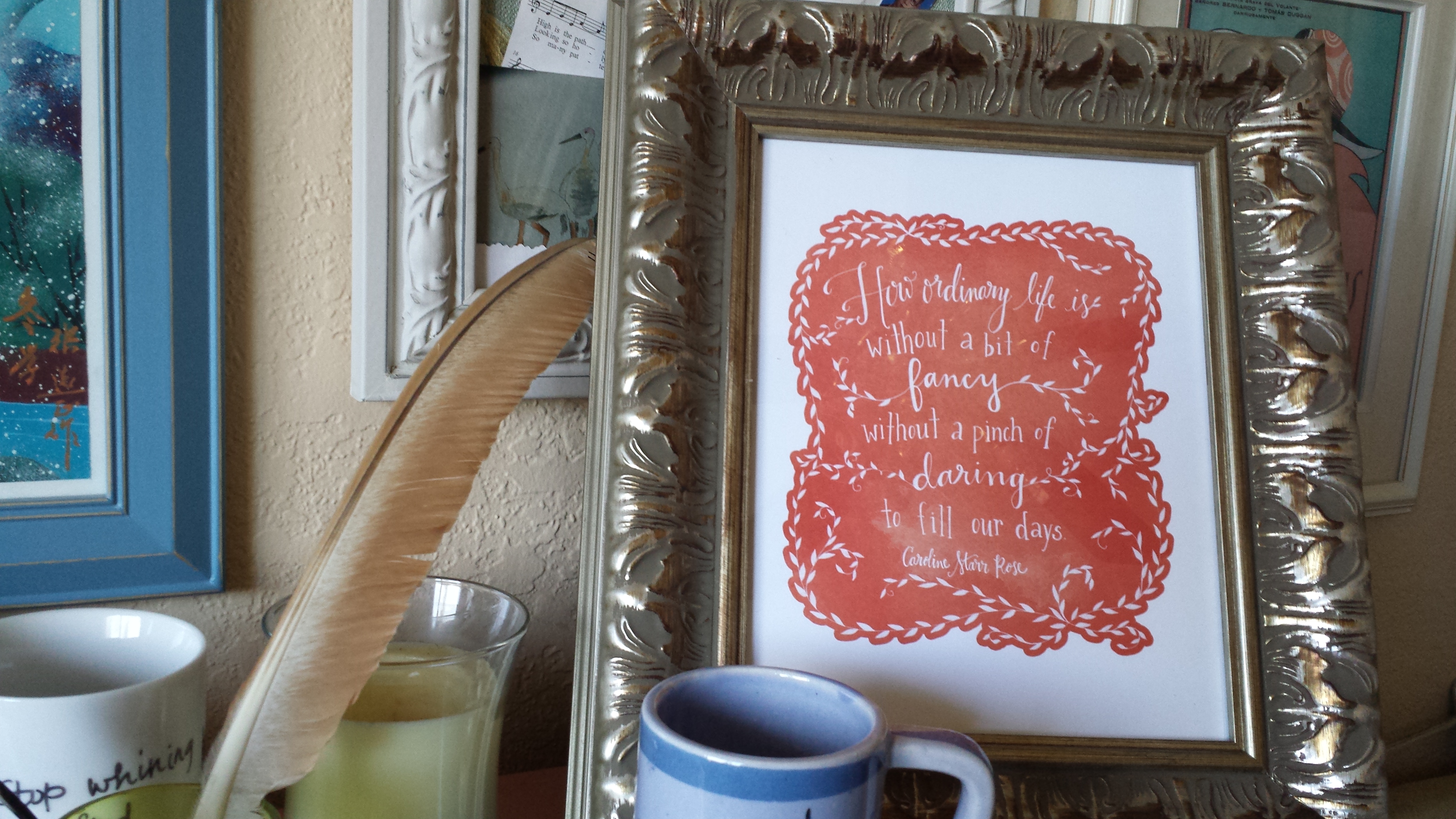
Get this free quote with pre-order of Blue Birds

Get this free quote with pre-order of Blue Birds

Author Caroline Starr Rose is giving away a downloadable PDF of this beautiful Blue Birds quote (created by Annie Barnett of Be Small Studios) for anyone who pre-orders the book from January 12-19. Simply click through to order from Amazon, Barnes and Noble, Books A Million, IndieBound, or Powell’s, then email a copy of your receipt to caroline@carolinestarrrose.com by Monday, January 19. PDFs will be sent out January 20.

Add your Digital Literacy posts:

Read Full Post »

Digital Plan B

Please use this button on your site for DigiLit Sunday posts

Please use this button on your site for DigiLit Sunday posts

Vannisa used Canva to design her OLW.

Vannisa used Canva to design her OLW.

Sometimes the best laid plans… Well, you know how technology is. I had planned for my students to use Tagxedo to create word webs for their One Little Word. The work was going well. They were having fun on Thesaurus.com finding synonyms, but when trying Tagxedo, the app was not working properly. I did some troubleshooting. I updated, but we were running out of time. So I quickly moved them over to Wordle. There is a feature for sharing that I had not used yet in Wordle. If you save to the “Public Gallery,” you get a link that the students could put into their blog posts. If Java was working, the link worked.

Sometimes, Plan B is the answer. I wanted my students to find synonyms feeling like this was good literacy work. Placing them into a word cloud was fluff. Either way, they enjoyed exploring, writing about, and designing their OLW this week.

After all I found Janet Ilko’s Slide Share for doing the One Little Word activity. If you haven’t done this lesson yet, you may be interested in her way of teaching it. There are many ways to add digital literacy into the classroom. As teachers, we have to find the ways that work for us and for our students (within the constraints of district usage and computer updates.)

Link to Emily’s OLW Wordle.

Erin's word is Extraordinary.

Erin’s word is Extraordinary.

Link up your Digital Literacy posts today:

Read Full Post »

  Join the Two Writing Teachers Slice of Life Challenge.

Join the Two Writing Teachers Slice of Life Challenge.

Poetry forms the quality of light within which we predicate our hopes and dreams toward survival and change.
–Audre Lord

PHOSPHORESCENCE. Now there’s a word to lift your hat to… to find that phosphorescence, that light within, that’s the genius behind poetry.
― Emily Dickinson

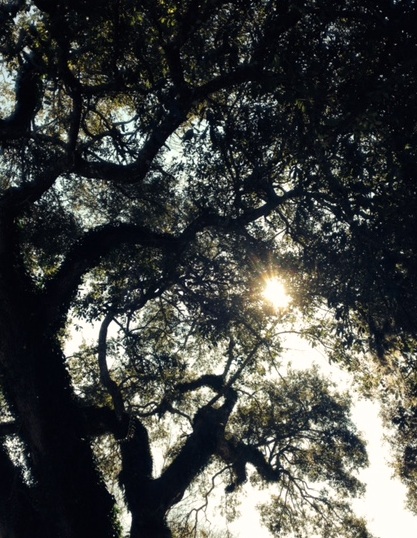
oak light

My poetry light to my OLW:

Rise to the novelty
Eager for the rising
Arms stretched overhead
Calling for strength
Happy to hold the sunlight.

–Margaret Simon

If you missed DigiLit Sunday, I posted an Emaze presentation you can use with your students to make their own One Little Word resolutions. I presented this on Monday, and my students began working on their word webs and Canva designs. I wanted to share a few with you today.

one special word copy

Julie Johnson wrote about the importance of design. She wrote, “I think some would ask if it’s important to teach our students these skills when they are crafting digital compositions? I believe it is. Our students are composing and consuming texts very differently in today’s world. I believe it’s my responsibility as a teacher of writers to help my students be able to produce thoughtful quality products.” Full post here.

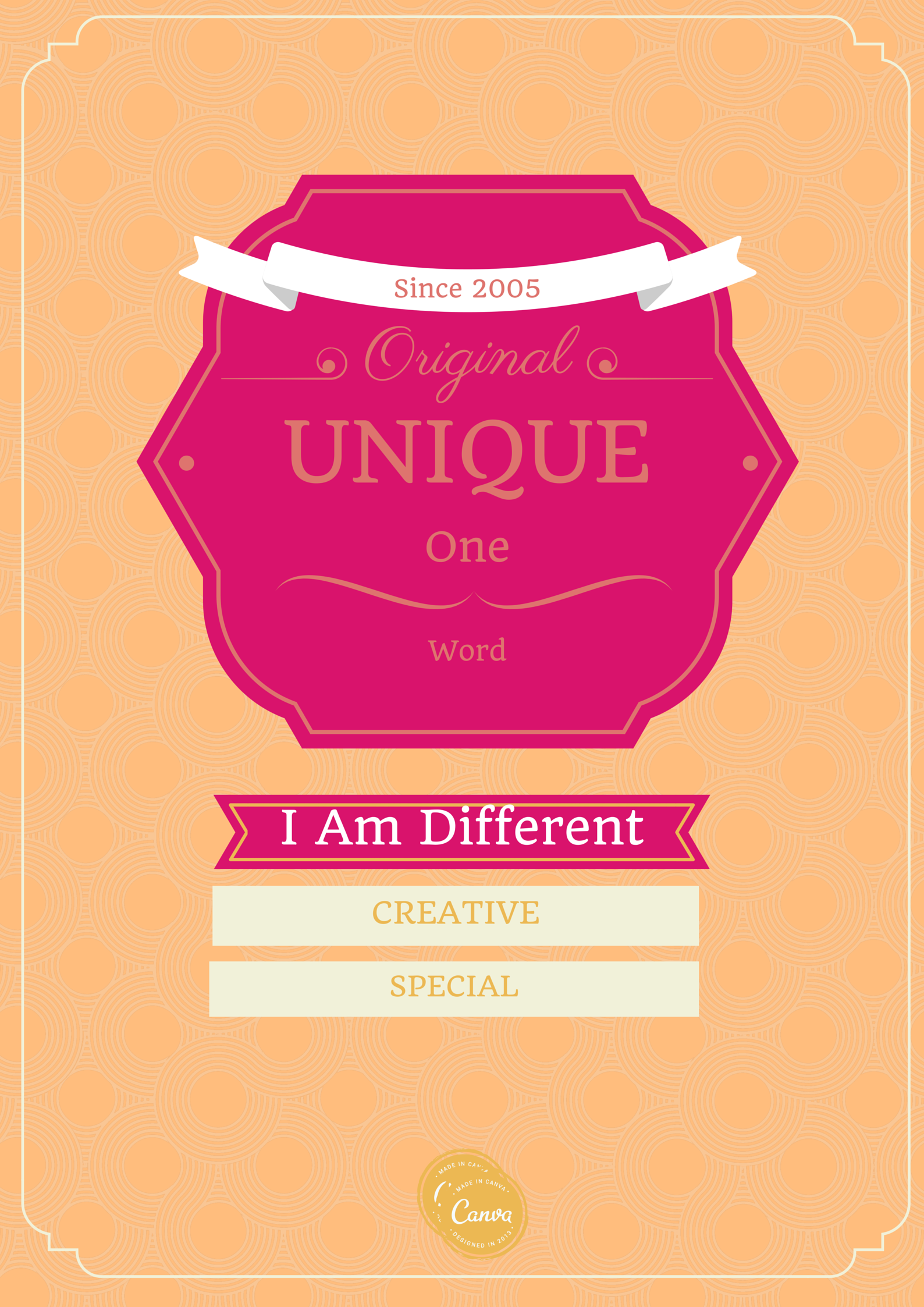
Thinking about Julie’s post, I talked to my students about design. “How can you use design of the image, the color, and the font to communicate what your word means to you?” In Kielan’s image above, she was very thoughtful about her design. She chose the word Merry. Many of the other students were thinking about “Merry Christmas,” so instead of changing her word, she used an image to describe what she meant by the word. She wants us to feel the calm, peaceful beauty of the word Merry.

Emily OLW

I like the way Emily used synonyms for her word, Unique, to express her word.
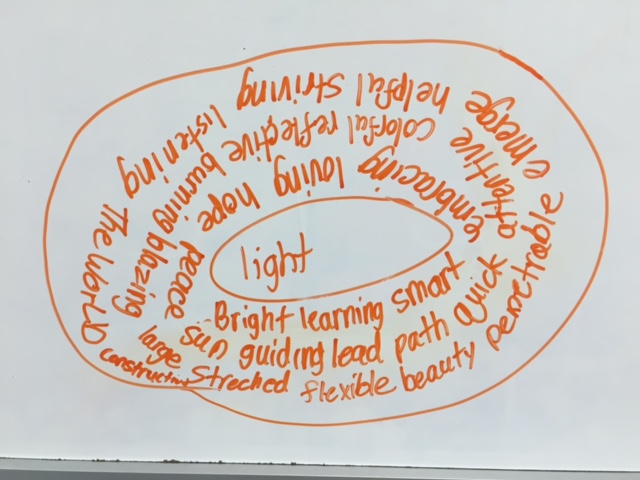
Reed used a white board to share his word web around his word Light. I love how the design of the word web looks like a light.

Reed's word web

When I was working with a first grader, I showed him how to use Thesaurus.com to make his word web. After we did this together, I realized how much this would help all of my students. So for my afternoon group, I suggested they try it. Put your word into the thesaurus and click. Find another word you like, click it, and so on, until a word web is built around a central word. This led some students to new words they could either select as their OLW or use in a poem. I look forward to seeing more student words. This activity not only gives students an opportunity to set goals and reflect on themselves, it also uses 21st Century Skills, the C’s of Creativity, Critical Thinking, and Communication. Feel free to use the Emaze to work with your own students on OLW.

http://app.emaze.com/@AOFLCWZL/one-little-word

To make your own images with Canva, click here.

Read Full Post »

Please use this button on your site for DigiLit Sunday posts

Please use this button on your site for DigiLit Sunday posts

The Cyberspace Teacher Blogging space is full of Little Words. This is a wonderful tradition that I have been doing for three years. I want to pass this one to my students. I found Tara Smith’s OLW lesson for her 6th graders and put it on an Emaze to use with my students this week. I also used Mary Lee Hahn’s acrostic poem as a model for my students.

http://app.emaze.com/@AOFLCWZL/one-little-wordPowered by emaze

I plan to use this lesson on Monday and have the students Slice about their words on Tuesday at our blog site. You are welcome to use this presentation as well with your own students. Let me know if you do.

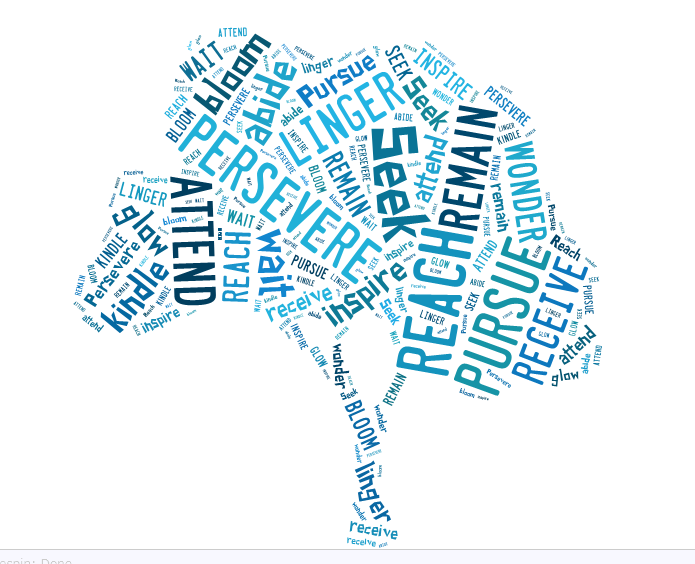
I made a Tagxedo with my word using all the synonyms that came up for me. I chose the tree as a symbol because the oak tree was my inspiration for my word.

Reach Tagxedo

I encourage you to try these activities with your students. Please join in the DigiLit round up with your link.

Read Full Post »

Please use this button on your site for DigiLit Sunday posts

Please use this button on your site for DigiLit Sunday posts

This last week before our Christmas break, my students created book talks. Unfortunately, Powtoon is being blocked by the network, so the choices of digital media were limited to Emaze and Animoto. I am still a big fan of Animoto. I have even purchased a longer time for my students’ videos. The platform does not allow for much text, so I tell them that the bulk of the text needs to be written in their book talk. The Animoto enhances their talk. Another thing I like about Animoto is the videos can be uploaded to YouTube and easily embedded on a blog.

A few weeks ago, Julie Johnson posted this blog about reflecting digitally. While my students do not have tablets, they could still reflect. After each presentation, I asked them a few reflective questions. I was pleasantly surprised that their choices for design were intentional. I will continue to use Animoto and hope the site continues to be free or reasonably priced and easily used.

Andrew, a second grader made this Animoto (his first) about Kate Messner’s Ranger in Time.

Emily chose the music on her video to reflect the idea that each person is an individual. She thoroughly enjoyed Sisters and her excitement over the book showed in her video. She asked me to take pictures of certain pages in the book to make her point clear.

Use of technology is a line on my rubric for book talks. Technology offers a wide range of choices for enriching presentations and motivating students to be intentional about their choices.

Add your own DigiLit Sunday post with Mr. Linky.

Read Full Post »

« Newer Posts - Older Posts »