Today was National Digital Learning Day. We celebrated by making Name videos.
One of my students recently brought in a baby name book in order to select meaningful character names for a story she is writing. The students were playing around with the book looking up their own name meanings when a flash of an idea hit me. Let’s make word clouds and videos about our names! So we headed to the library so that each child could have a computer to use.
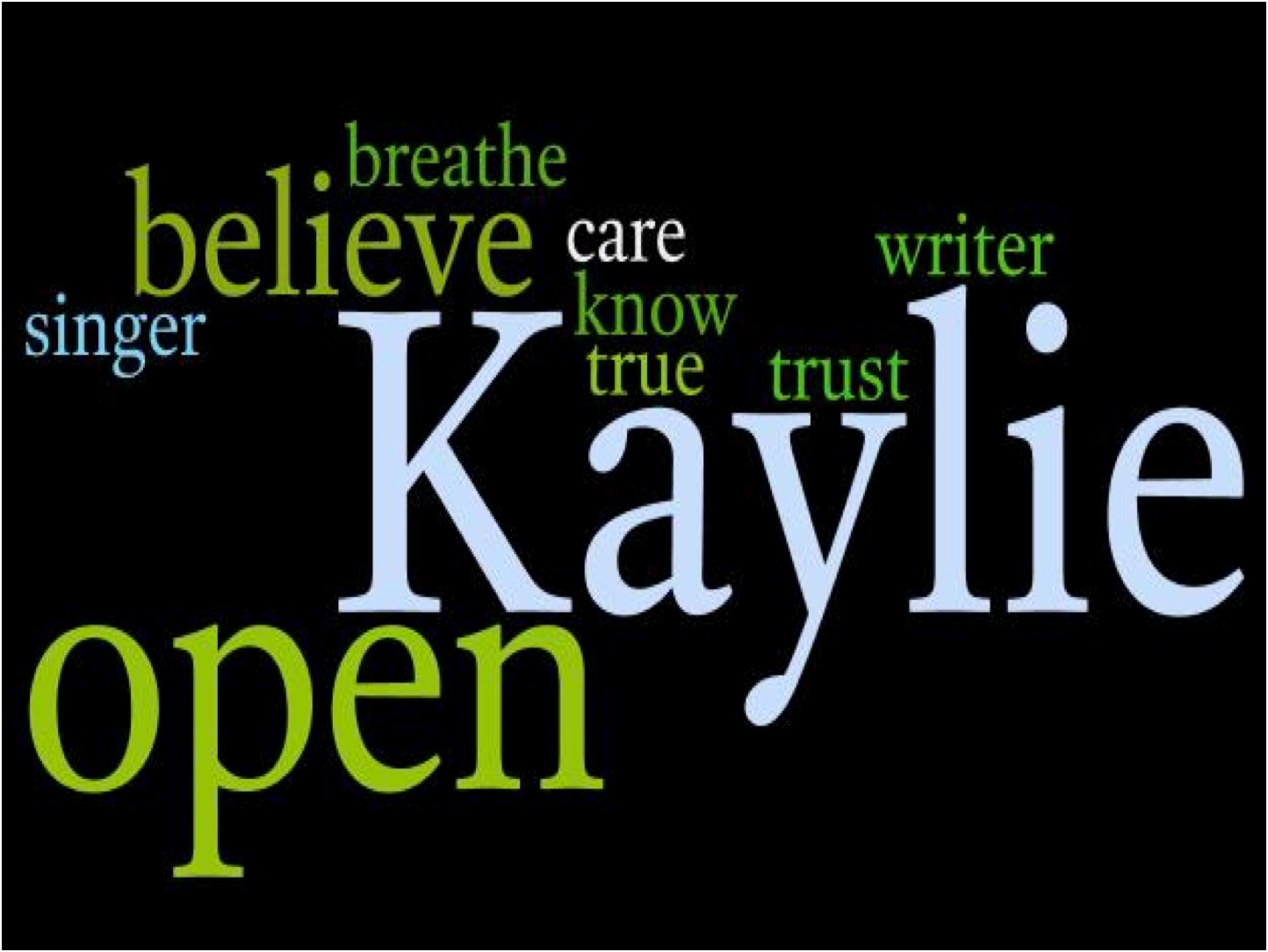
Wordle made by Kaylie
First they made the Wordle. We took a screen shot of it and pasted it into Paint. There we saved the file as a JPEG.
On Animoto, students can make a 30 second video for free. The trouble I ran into at one of my schools was the Flash player wasn’t updated. Our good ole librarian came to the rescue and helped us update. To allow students to have an account on Animoto, the student used my gmail account by adding a plus sign and then their own name. That way I get the email about the video they created and they get free use of the site.
I will share two name videos with you. One was made using PowerPoint.

And another used Animoto:

Tara at A Teaching Life is hosting Poetry Friday.


 Reflections on the Teche
Really lovely, Margaret. I got the link via Facebook! The students must have loved them! I used to have my students research their names, including asking parents why they were names, & then write a personal narrative about them, and this would be the added wonderful “flavor”. Thanks much for sharing!
So glad we are facebook friends, too. I did name research to start the year when I taught third grade years ago. If this had been a planned project, I could’ve added the parent interview part. Maybe next year. I loved the creative results. Everyone took a different direction. And for some, the technology was a huge challenge. Sometimes I take for granted that they know more than they know.
Fabulous creations. I love to look up the meanings of names. Thanks for sharing. =)
What a fun project!
Fabulous project! Thanks for explaining how you did it and what problem solving needed to be done. So many times we are afraid of what can go wrong… it’s great to see how you didn’t let that stop you!
Very nice work! I hadn’t heard of Animoto before — thanks for the info!
I want to know more about this: “student used my gmail account by adding a plus sign and then their own name.” Sounds like a neat way around students needing an email account for stuff. (I’m remembering to subscribe to the comments, or you can answer me by email!!) TNX!!
LOVE this idea — thanks for sharing!!