Join the Two Writing Teachers Slice of Life Challenge.
Poetry forms the quality of light within which we predicate our hopes and dreams toward survival and change.
–Audre Lord
PHOSPHORESCENCE. Now there’s a word to lift your hat to… to find that phosphorescence, that light within, that’s the genius behind poetry.
― Emily Dickinson
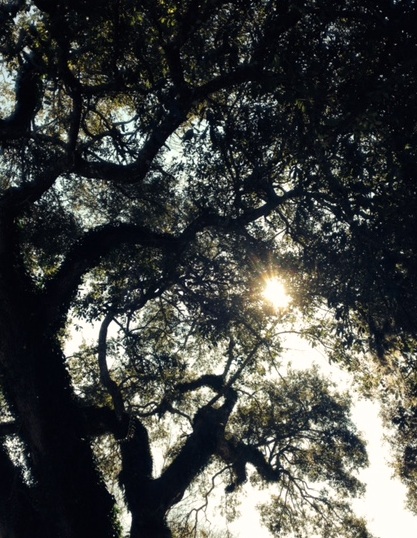
My poetry light to my OLW:
Rise to the novelty
Eager for the rising
Arms stretched overhead
Calling for strength
Happy to hold the sunlight.
–Margaret Simon
If you missed DigiLit Sunday, I posted an Emaze presentation you can use with your students to make their own One Little Word resolutions. I presented this on Monday, and my students began working on their word webs and Canva designs. I wanted to share a few with you today.
Julie Johnson wrote about the importance of design. She wrote, “I think some would ask if it’s important to teach our students these skills when they are crafting digital compositions? I believe it is. Our students are composing and consuming texts very differently in today’s world. I believe it’s my responsibility as a teacher of writers to help my students be able to produce thoughtful quality products.” Full post here.
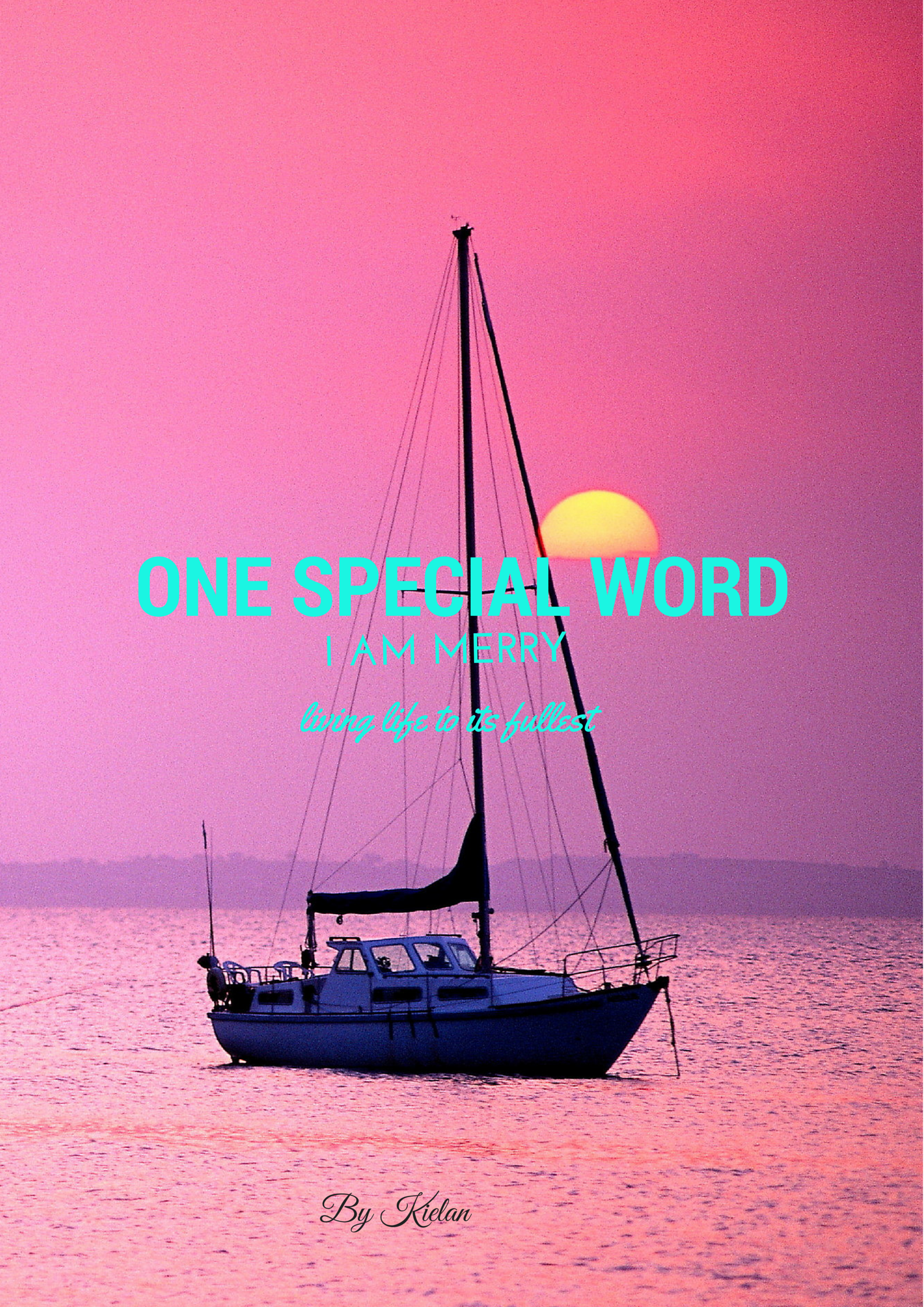
Thinking about Julie’s post, I talked to my students about design. “How can you use design of the image, the color, and the font to communicate what your word means to you?” In Kielan’s image above, she was very thoughtful about her design. She chose the word Merry. Many of the other students were thinking about “Merry Christmas,” so instead of changing her word, she used an image to describe what she meant by the word. She wants us to feel the calm, peaceful beauty of the word Merry.
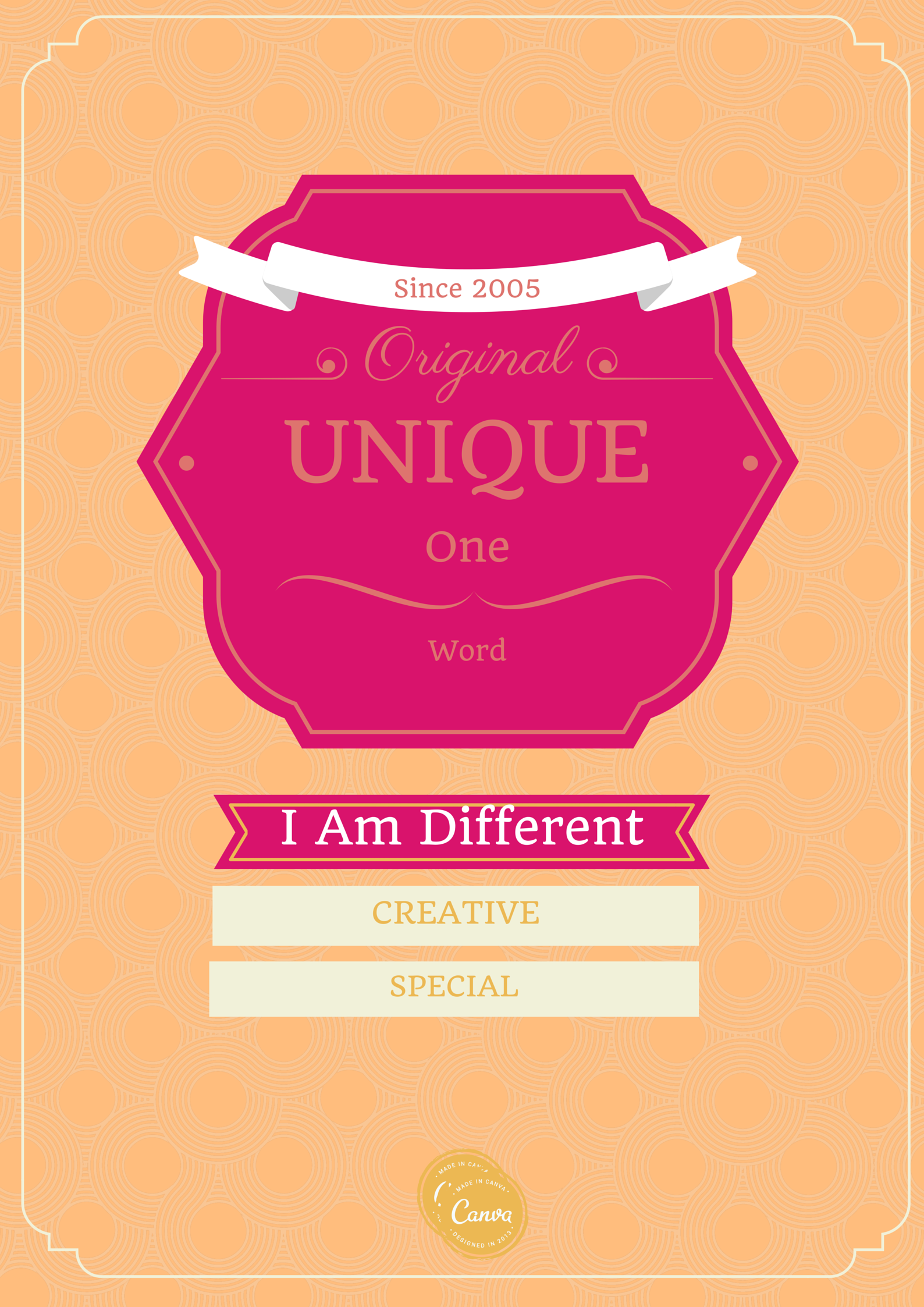
I like the way Emily used synonyms for her word, Unique, to express her word.
Reed used a white board to share his word web around his word Light. I love how the design of the word web looks like a light.
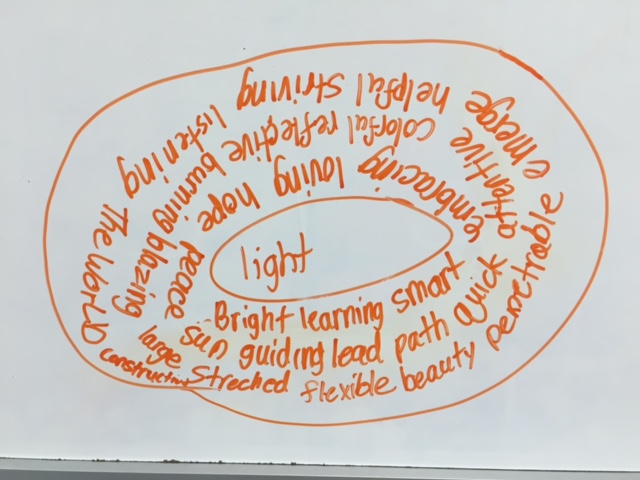
When I was working with a first grader, I showed him how to use Thesaurus.com to make his word web. After we did this together, I realized how much this would help all of my students. So for my afternoon group, I suggested they try it. Put your word into the thesaurus and click. Find another word you like, click it, and so on, until a word web is built around a central word. This led some students to new words they could either select as their OLW or use in a poem. I look forward to seeing more student words. This activity not only gives students an opportunity to set goals and reflect on themselves, it also uses 21st Century Skills, the C’s of Creativity, Critical Thinking, and Communication. Feel free to use the Emaze to work with your own students on OLW.
http://app.emaze.com/@AOFLCWZL/one-little-word
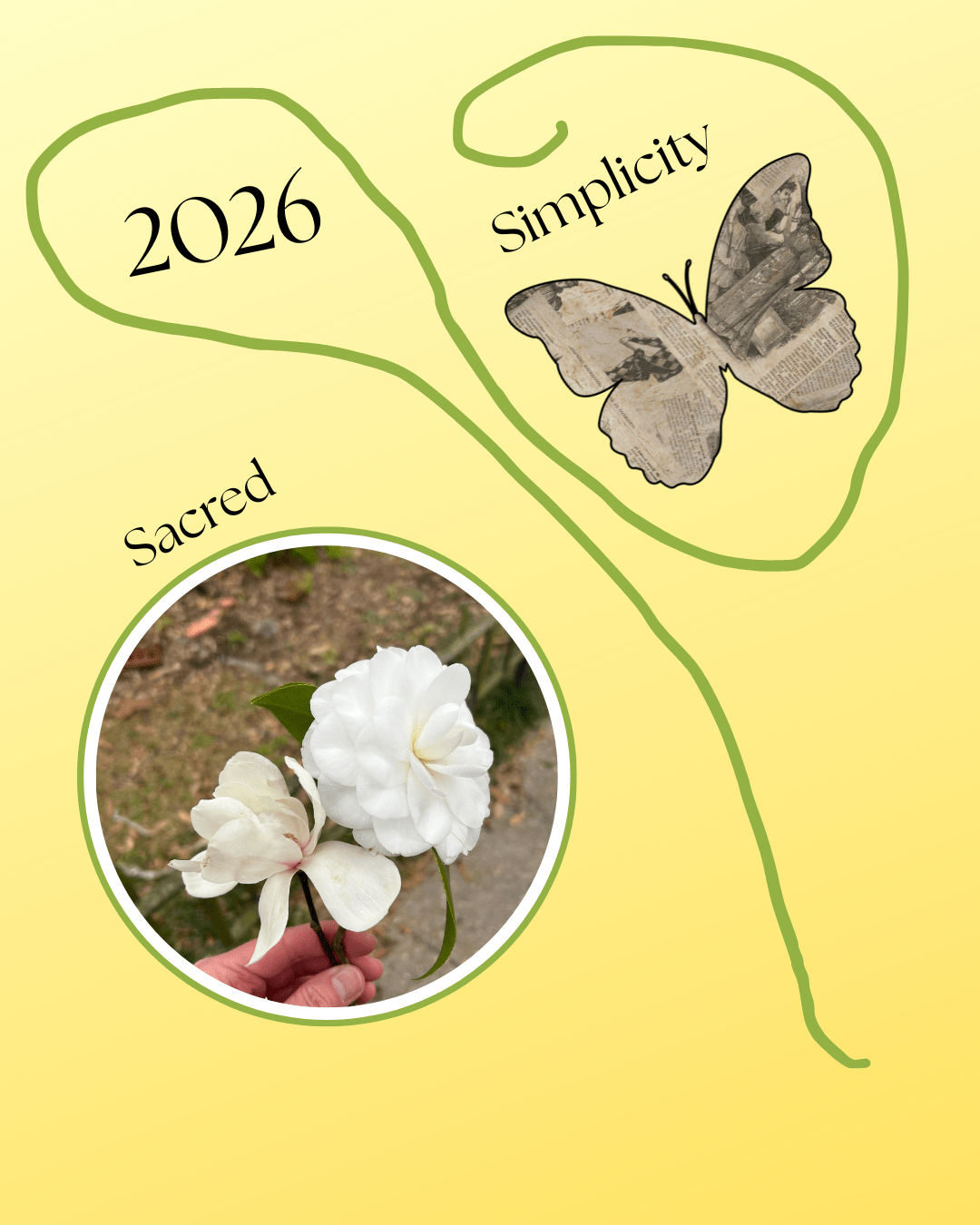
To make your own images with Canva, click here.


 Reflections on the Teche
Reblogged this on blkdrama and commented:
Thanks Margaret for this rich slice about process and teaching design
I’m reading in bed on my iPhone 😄and now I’m even commenting- how techie 😍 to
Respond to your slice about another digital shift- the need to consider design in the teaching mix.
I agree with you and Julie. Troy Hicks joined one of my of sessions last year addressing this issue with our teacher group and as digital writers its a critical component in communicating.
I learned a lot today and it’s only 6:30.
time to compose my own slice 😊
I have not mastered commenting on my phone. I’m impressed. Thanks for the reblog and for the visit from your bed.
I enjoyed reading your post….and especially loved the idea of teaching the first graders how to use the online thesaurus…..pairing it with the one little word activity made for a wonderful learning experience that was meaningful on many levels. Thanks for sharing your slice of life….
Even my older students enjoyed playing on the thesaurus. Who knew how rich this experience could be?
Ooo. I like this! I did a very brief OLW with my students yesterday (they were eager to move onto the next part of the lesson, so we only did a quick thing). I think I will use this with my fifth grade reading group. As we finish up Christmas Carol, I’m going to have them think about themselves in the future… and doing a OLW to guide them could work out perfectly!
Let me know how it goes with the 5th graders.
I don’t have time now, but we’re starting our blogs today, Margaret, & I can’t wait to show them some of the new online apps you’ve shared, like emaze and zeega. The possibilities are exciting. I love your idea of using thesaurus.com with a younger student-will share!
Good luck with the blogs. Will they be public?
We aren’t in school till next week so I get to plan with all of your insight and student work! I have gotten addicted to Canva thanks to Julie’s post. Design does mean so much and the power of online the thesaurus and dictionary is so helpful for students (and me). There is so much digital literacy can add!
Question… Did you have kids make their own canva account or are you using one classroom account? I haven’t tried it on an iPad..Have your kiddos?
Envy your extra week. I love having time to explore new apps. Have you been able to upload Canva images to kidblogs? I can’t do it from our school. I think it’s blocked.
I’m going into classrooms today and tomorrow to talk about OLW, Margaret, and I will be sharing many of your resources and examples. Thank you for sharing. Now you have me thinking about incorporating some design talk into my lesson, too!
I think the design talk is important. It makes them more cognizant of their choices. Good luck. Let me know how your lessons go.
I enjoyed seeing the images, designs, and words that your students chose!
Love your images! (I was playing with Canva today. In fact, my OLW image that I’ll share on TWT was created with Canva.)
Reach is a word filled with possibility, and I love the acrostic “poetry light” you created to go with it. Thanks for all the helpful insights on helping students choose and share their OLW!